
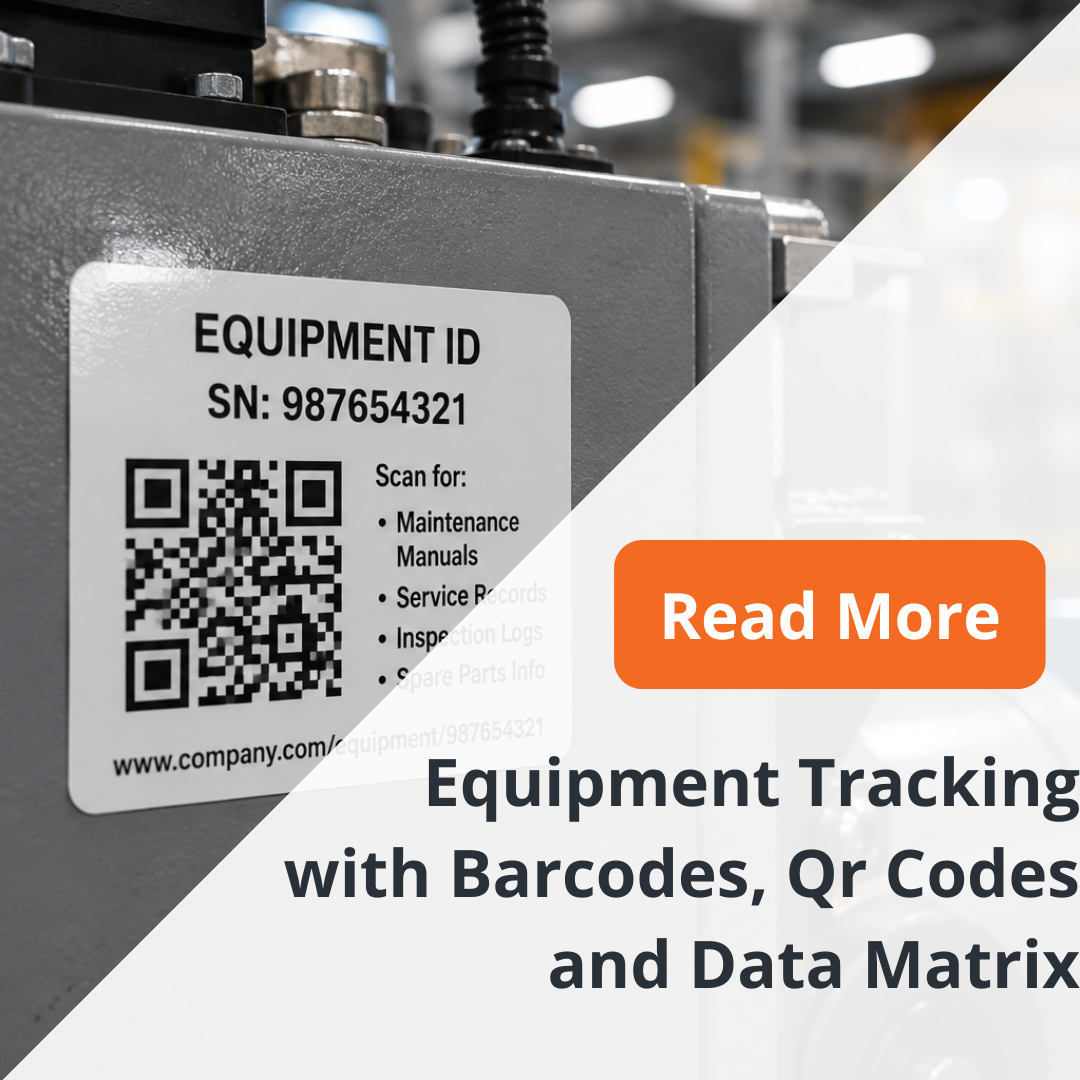
QR code labels give manufacturers and operations teams a fast way to connect physical equipment with digital information using a simple scan.
Applied to machines, tools, assets, containers, or other equipment, QR code labels can support identification, inventory control, maintenance workflows, and other tracking processes where users need to move quickly from a physical item to the correct record.
The challenge is not simply generating a QR code. The label also needs to remain attached, readable, and scannable in the environment where the equipment is actually used.
Why Use QR Code Labels for Equipment Tracking?
Traditional equipment identification often relies on serial numbers or printed asset IDs.
Those identifiers remain useful, but reading and entering them manually takes time and creates opportunities for transcription errors.
A QR code allows a user to scan the asset and connect it to the corresponding information in a digital system.
Depending on the organization’s workflow, that destination might contain asset details, maintenance information, documentation, inventory information, or another record associated with the equipment.
The QR label acts as the physical connection point.
QR Code Asset Tags
QR code asset tags combine visible equipment identification with machine-readable information.
The label can incorporate the QR code along with human-readable identifiers so the equipment can still be recognized when a scan is not available.
For industrial use, both parts matter.
A QR code that scans correctly but has no clear relationship to the visible asset ID can make troubleshooting harder. Likewise, a printed asset number without a practical connection to the digital record can force technicians back into manual searches.
The best design reflects the complete tracking workflow.
Custom QR Code Labels
Custom QR code labels allow the construction and printed information to be adapted to the equipment.
Important considerations include label dimensions, available surface area, code size, surrounding graphics, human-readable information, material, adhesive, and environmental exposure.
The label also needs sufficient visual contrast and print quality for reliable scanning.
Rather than starting only with the QR code, engineers should define where the label will be installed and how it will be used.
Equipment Tracking Labels in Industrial Environments
Equipment tracking labels can be exposed to very different conditions.
Some are installed on clean indoor assets. Others face abrasion, moisture, chemicals, cleaners, outdoor exposure, or repeated handling.
The environment should therefore influence the label construction.
A code cannot support tracking if the printed information becomes unreadable or the label detaches from the asset.
When weatherproof QR code labels or other durable constructions are required, the material and adhesive system need to reflect the actual exposure rather than the general idea of “industrial use.”
QR Code vs. Traditional Barcode
A conventional 1D barcode and a QR code can both provide machine-readable identification, but their structures and potential uses differ.
Traditional barcodes are widely used for asset IDs, inventory identifiers, product codes, and other established scanning workflows.
QR codes use a two-dimensional structure and can support a different balance between encoded information, label geometry, and scanning workflow.
The best choice depends on the system receiving the scan, the available label space, the information architecture, and the scanning equipment.
The format should follow the application rather than simply the popularity of the code type.
What About Data Matrix?
Data Matrix is another two-dimensional code format frequently considered for compact identification applications.
It should not automatically replace a QR code or traditional barcode.
The appropriate format depends on requirements such as available space, system compatibility, data requirements, and any standards governing the customer’s application.
For projects where a specific code standard has already been defined, the label should be engineered around that requirement.
Where the format has not yet been selected, engineering teams should evaluate the complete tracking workflow first.
Choosing the Right Code Format
Before finalizing a label, answer a few practical questions.
What system will receive the scanned data? What information does the code need to represent? How far away will users scan it? How much physical space is available? What scanner or device will be used? What environment will the label face? Does the customer already have a barcode standard?
These questions usually matter more than simply choosing between QR, barcode, or Data Matrix based on visual preference.
Label Size and Scanning
Code size needs to be appropriate for the amount of information encoded, the print quality, the scanner, and the expected scanning conditions.
Trying to fit too much encoded information into an unnecessarily small label can make the application more difficult.
Where space is constrained, the complete code and information architecture should be reviewed before artwork is finalized.
This is another reason to treat the label as part of the tracking system rather than only as a printed sticker.
Pre-Printed and Variable QR Code Labels
Some programs require one common QR code across multiple labels. Others require a unique code for every individual asset.
When every item needs unique information, the printing workflow must coordinate the variable data with the corresponding equipment or asset record.
That relationship needs to remain controlled so the physical identifier and digital record stay aligned.
The same principle applies to serialized labels and other variable-data identification systems.
Build the Label Around the Tracking System
A successful equipment tracking program connects three elements:
the physical asset, the label attached to it, and the digital record behind the scan.
If any one of those components is poorly defined, the tracking process becomes harder to maintain.
NFI can manufacture the physical identification component around the requirements of the equipment and tracking program.
For additional barcode, serialized, and machine-readable label options, specify a durable barcode label built for your tracking system.
More technical guidance: Technical Resources.