
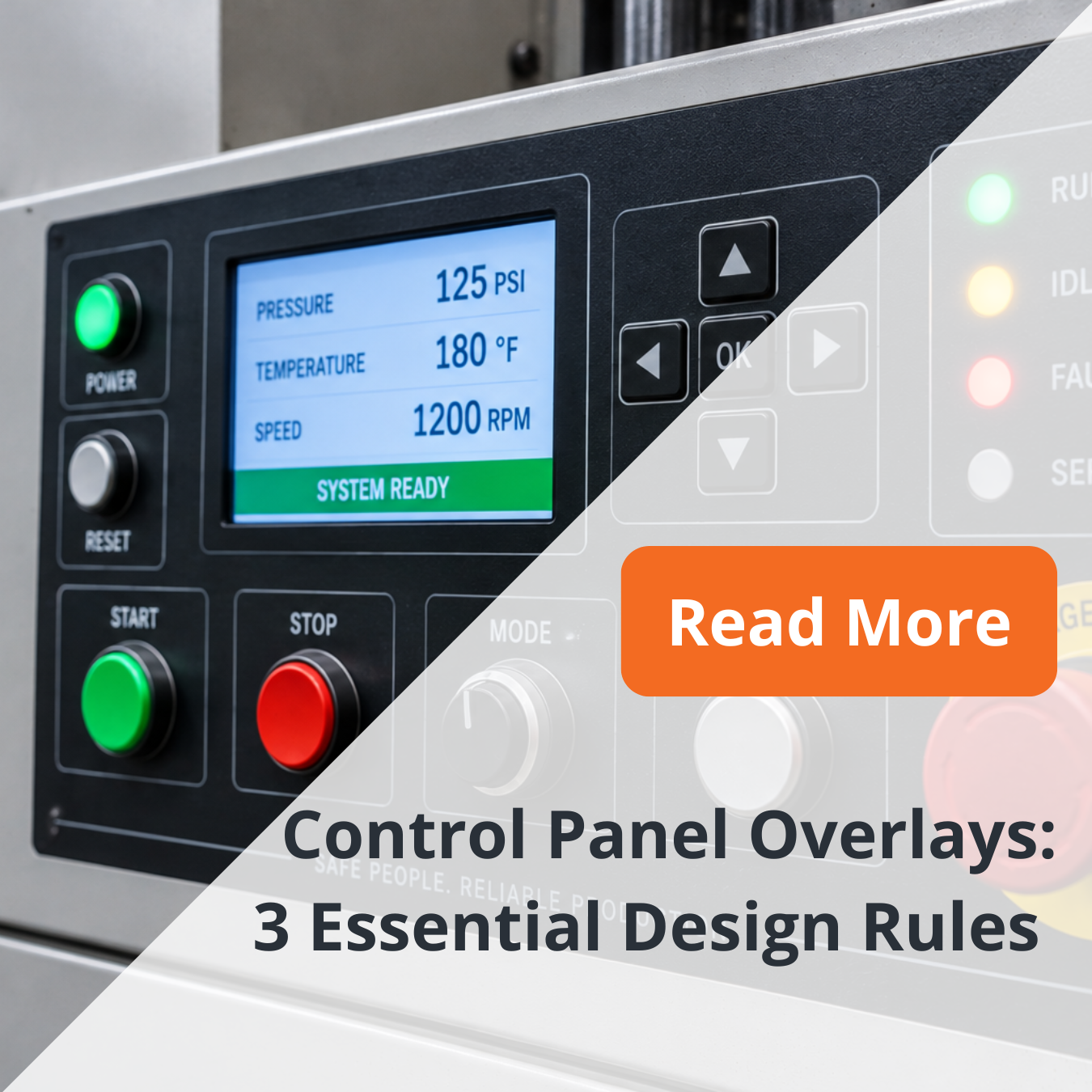
In industrial manufacturing, control panel overlays do much more than identify buttons. They help operators read machine status, locate controls, make adjustments, and interact with equipment efficiently. When gloves, oil, cleaning chemicals, abrasion, or constant use enter the picture, small design decisions can have a major effect on usability.
That is why effective industrial graphic overlays should be designed around the operating environment from the start. Material, finish, typography, tactile features, backlighting, and display windows all need to work together.
Here are three areas manufacturers should consider when specifying overlays for industrial equipment.
Material/Finish Selection for Control Panel Overlays
Material selection should begin with a simple question: What will the operator interface face during normal use?
Polyester and polycarbonate are common materials for graphic overlays because they provide useful combinations of printability, flexibility, and durability. The right choice depends on the equipment, environment, expected service life, and required interface features. 
For equipment exposed to repeated contact, scratch resistant overlays can help preserve graphics and maintain a professional appearance. Hard-coated constructions may also be useful around frequently touched controls and display areas.
Surface finish matters too. Textured overlays can reduce glare while providing a more tactile surface. This can be valuable on factory floors where operators wear work gloves or view controls under bright overhead lighting.
Glove use should also influence button geometry. Larger targets, adequate spacing, strong visual contrast, and tactile or embossed features can make operator interface overlays easier to navigate without requiring precise fingertip contact.
For equipment with unique enclosures, custom faceplates can incorporate cutouts, windows, mounting features, printed legends, and other functional elements into one coordinated design.
The goal is not simply to select the toughest material. It is to match the construction to the actual application.
Readability: Deadfront, Backlighting, and Display Windows
An operator should be able to understand a machine interface quickly. That makes readability one of the most important design requirements for control panel overlays.
Start with contrast. Text, symbols, warnings, and operating zones should remain distinguishable under the lighting conditions found around the machine. Simple typography and recognizable symbols generally make controls easier to scan.
For HMI panels, backlighting can help operators identify active functions and machine status in changing light conditions. Deadfront graphics provide another option. These graphics remain hidden or subdued until illuminated, allowing the interface to reveal information when it is needed.
Deadfronting requires careful control of printed layers and light transmission to achieve the intended appearance.
Display windows deserve equal attention. Windows over screens, LEDs, or indicators need appropriate clarity, registration, and surface properties for the application. Glare, scratches, haze, or poorly aligned openings can make otherwise clear information harder to read.
On complex machine interface panels, visual hierarchy also matters. Group related controls, separate critical functions from routine settings, and avoid overcrowding the panel with unnecessary graphics.
Readability is not decoration. It is part of how the operator communicates with the machine.
Failure Modes + Test Plan for Control Panel Overlays
A durable overlay should be evaluated against the conditions it is expected to encounter.
Common failure modes can include surface scratching, worn graphics, adhesive lifting, chemical damage, discoloration, window damage, and reduced readability. High-touch areas may show problems first, particularly around frequently operated buttons.
A practical test plan should reflect the real operating environment rather than relying on appearance alone.
Consider evaluating:
- Abrasion: Will repeated contact, wiping, or glove use damage the surface?


- Chemical exposure: What happens when the overlay encounters cleaners, oils, coolants, or other application-specific substances?
- Adhesion: Will the selected adhesive remain bonded to the actual housing material and surface finish?
- Temperature and moisture: Will environmental changes affect the overlay or adhesive?
- Glove usability: Can operators reliably locate and activate controls while wearing the gloves used on the production floor?
- Readability: Do graphics, backlighting, and windows remain clear after expected wear?
Testing requirements should be defined for the individual application. Prototype evaluation can help teams identify potential issues before moving into larger production runs.
Design for the Operator and the Environment
The most effective durable panel overlays balance visual communication, operator needs, and environmental performance. A highly durable material will not solve an interface that is difficult to read, just as excellent graphics cannot compensate for an overlay that wears prematurely.
For industrial manufacturers, the better approach is to consider material, finish, glove use, readability, windows, adhesives, and anticipated wear as one system.
NFI works with manufacturers to develop control panel overlays, faceplates, and durable identification solutions around the needs of the equipment and its operating environment.
Contact NFI to discuss durable control panel overlays, custom faceplates, or operator interface solutions for your industrial equipment.
Frequently Asked Questions
What materials are commonly used for industrial control panel overlays?
Polyester and polycarbonate are common choices. The appropriate material depends on environmental exposure, interface construction, finish, expected wear, and other application requirements.
Can control panel overlays be designed for operators wearing gloves?
Yes. Larger control targets, clear spacing, strong contrast, embossing, and textured surfaces can help make an interface easier to operate while wearing gloves.
What is a deadfront graphic?
A deadfront graphic is designed to remain hidden or less visible until it is illuminated from behind. It can help simplify an interface by showing information only when needed.
Why prototype an industrial graphic overlay?
Prototyping allows teams to evaluate fit, readability, window alignment, tactile interaction, finish, and other design details before committing to full production.